
Mobile-Optimized IPL Cricket Betting
In fast-moving Twenty20 cricket, instant access to changing odds lines can be the difference between capitalizing on a market swing and missing a trade. The FairPlay mobile application brings the full power of a peer-to-peer sports exchange directly to Android and mobile web users across India.
Operating under an official Curaçao eGaming License (No. 365/JAZ), FairPlay ensures that its mobile platform provides the same military-grade 256-bit SSL encryption, regulatory protection, and single-wallet convenience as the desktop portal. This guide details how to safely download the original Android APK, install it on your smartphone, and utilize live-line updates during fast-paced IPL fixtures.
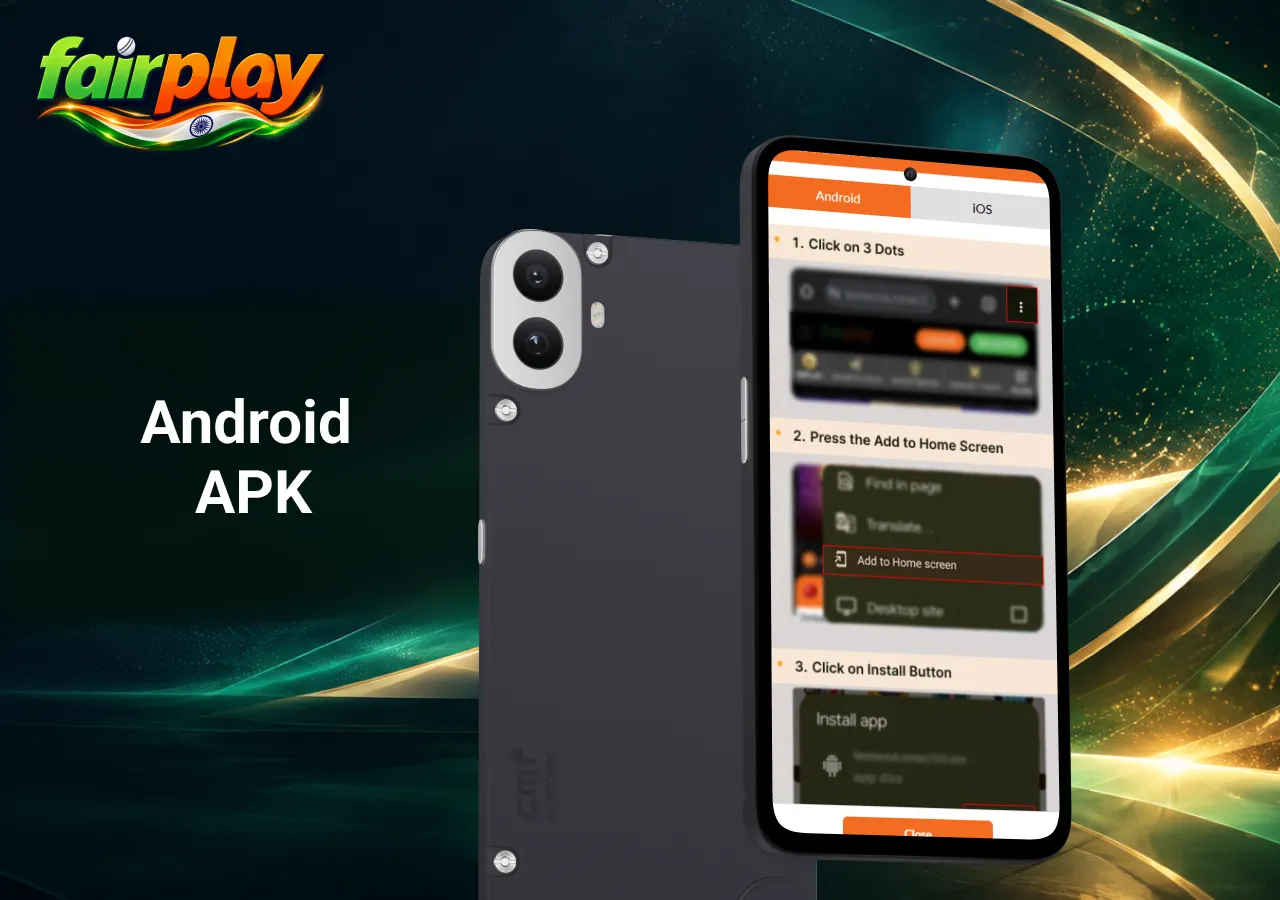
Step-by-Step Android APK Download & Installation Guide
Because Google Play Store policies restrict real-money gaming apps in selected regions, the authentic FairPlay APK package must be downloaded directly from the official web portal.
- Visit the Official Domain: Open your mobile browser (e.g., Chrome or Brave) and navigate to the official FairPlay website.
- Download APK File: Tap the ‘Download Android App‘ banner located on the homepage to save the latest APK file.
- Allow Unknown Sources: Go to your Android device’s Settings > Security / Privacy and toggle on ‘Install from Unknown Sources’ for your browser.
- Execute Installation: Open your device’s ‘Downloads’ folder, select the downloaded APK file, and tap ‘Install’.
- Launch & Login: Open the newly installed app, perform your FairPlay India login, and access your single-wallet dashboard.
Key Mobile App Features & Live Line Speed
- Real-Time Line Updates: Ball-by-ball odds updates with low latency on 4G/5G connections.
- Push Notifications: Instant mobile alerts for settled bets, score changes, and active promotional drops.
- Biometric Authentication: One-touch fingerprint or Face ID login to secure your account.
Read next