
What is a Cricket Betting ID and Why Do You Need One?
In the Indian online gaming landscape, a Cricket Betting ID is your verified digital key that unlocks access to secure sports exchange markets, live match streams, and instant withdrawal gateways. However, many casual bettors fall victim to illegal Telegram agents or unverified bookies who delay payouts and mismanage user funds.
Getting an authentic cricket betting ID directly through FairPlay eliminates these risks. As a licensed platform operating under Curaçao eGaming License No. 365/JAZ, FairPlay provides direct, automated account creation protected by 256-bit SSL encryption. This guide outlines how to fast-track your registration and start trading on IPL matches within minutes.
Step-by-Step Guide to Getting Your Instant ID
- Access Official Platform: Go to the official FairPlay website or download the secure Android APK file.
- Initiate Sign-Up: Click the ‘Register’ button at the top of the interface.
- Fill Registration Form: Enter your full name, email address, active 10-digit Indian mobile number, and a strong password.
- Instant OTP Activation: Input the One-Time Password sent to your phone via SMS or WhatsApp to verify your account immediately.
- Deposit Funds: Make an initial UPI deposit of ₹500 or more to activate your cricket betting ID for live match trading.
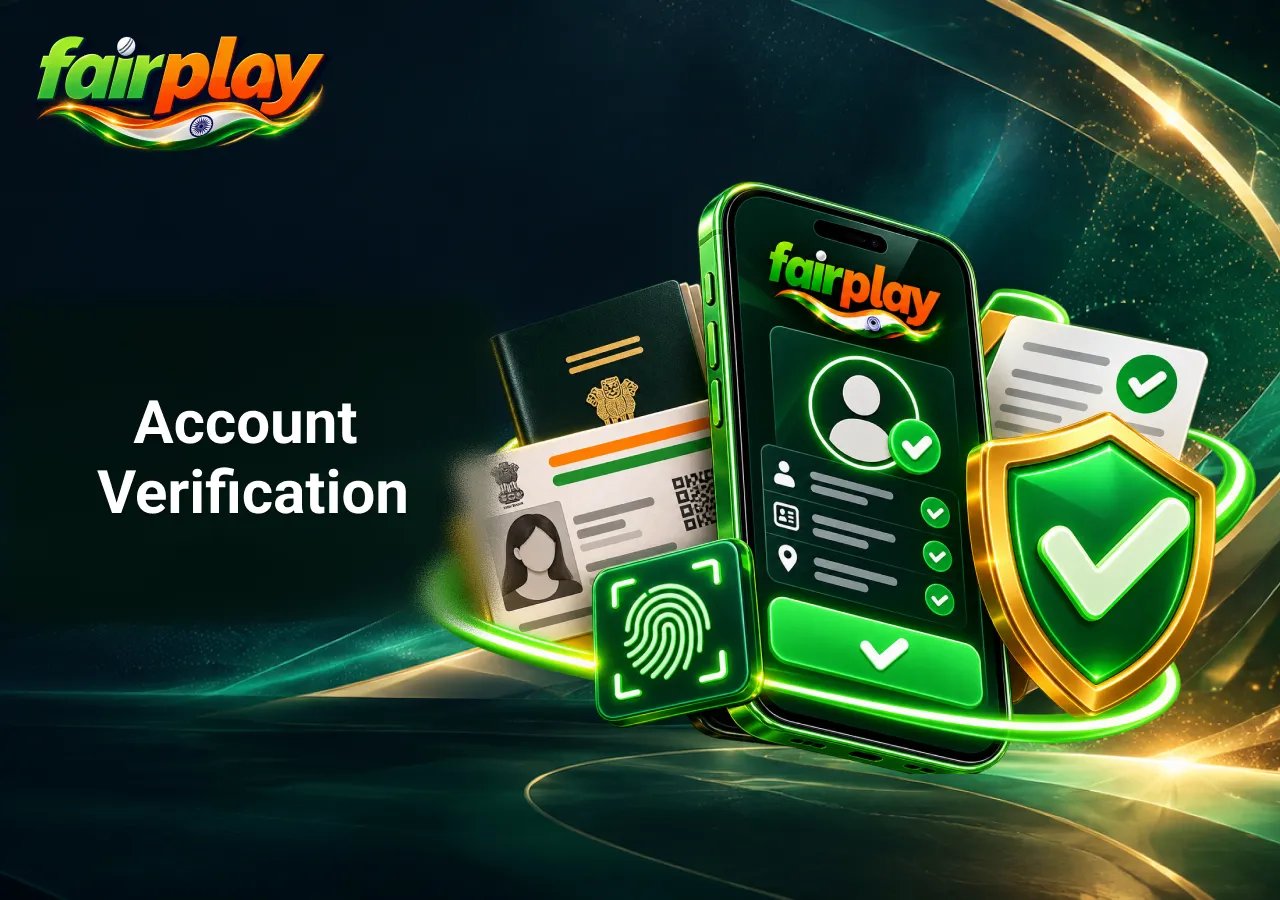
Verification (KYC) Protocols for Fast Withdrawals
To ensure compliant, hassle-free payouts, complete basic Know Your Customer (KYC) verification in your account settings:
- Proof of Identity: Clear photo of Aadhaar Card, PAN Card, or Passport.
- Proof of Payment: Bank passbook front page or UPI profile screenshot showing matching account ownership.
- Processing Time: Identity checks are typically verified within 2 to 24 hours.
Security Best Practices for Your Cricket ID
- Avoid Local Agents: Never buy betting IDs from unauthorized Telegram or WhatsApp middlemen. Always register on the official platform.
- Protect Login Credentials: Keep your password and OTP confidential at all times.
- Enable Biometrics: Enable fingerprint or face login on the FairPlay Android app for extra account security.
Read next